To see full information about a breach:
Open the ID Protection section.
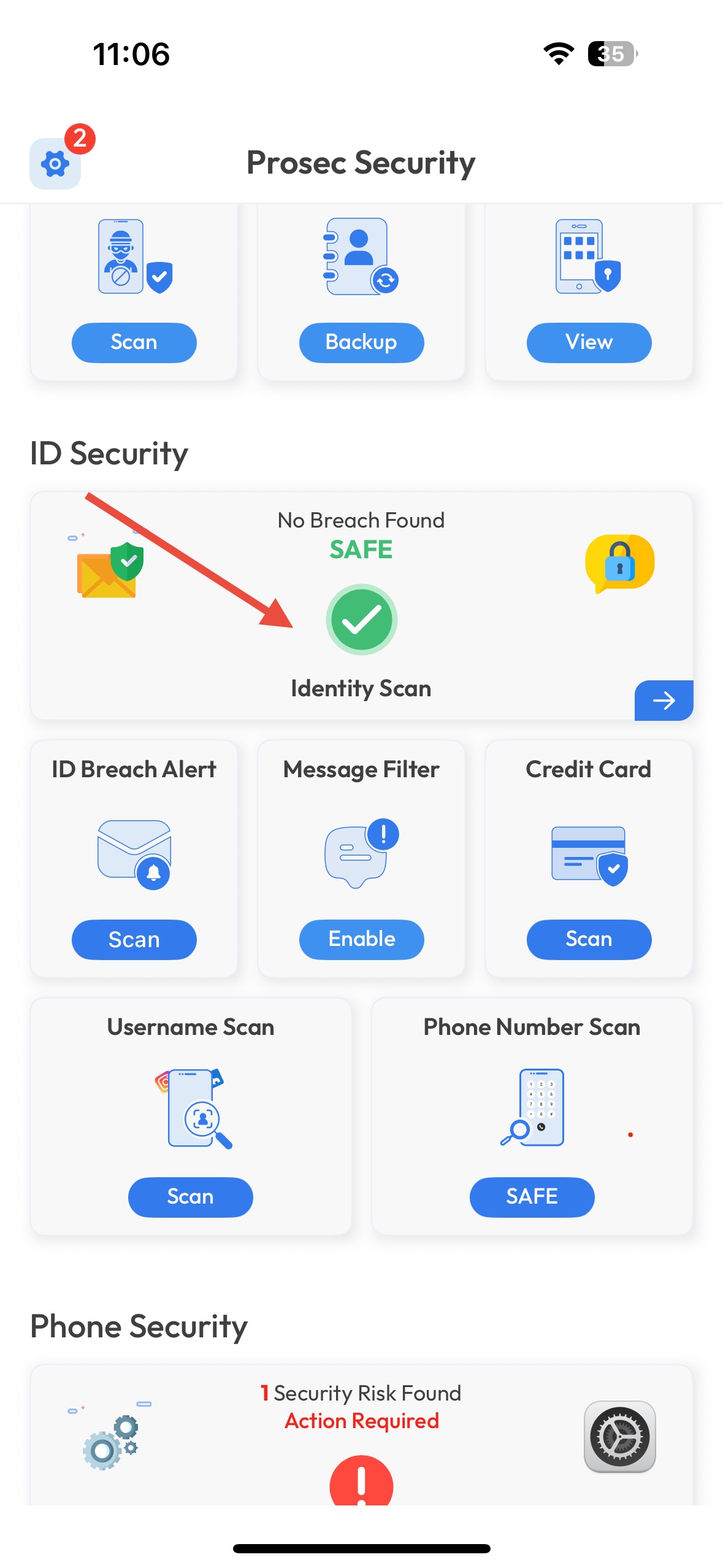
Tap on any listed alert or account with a warning symbol.
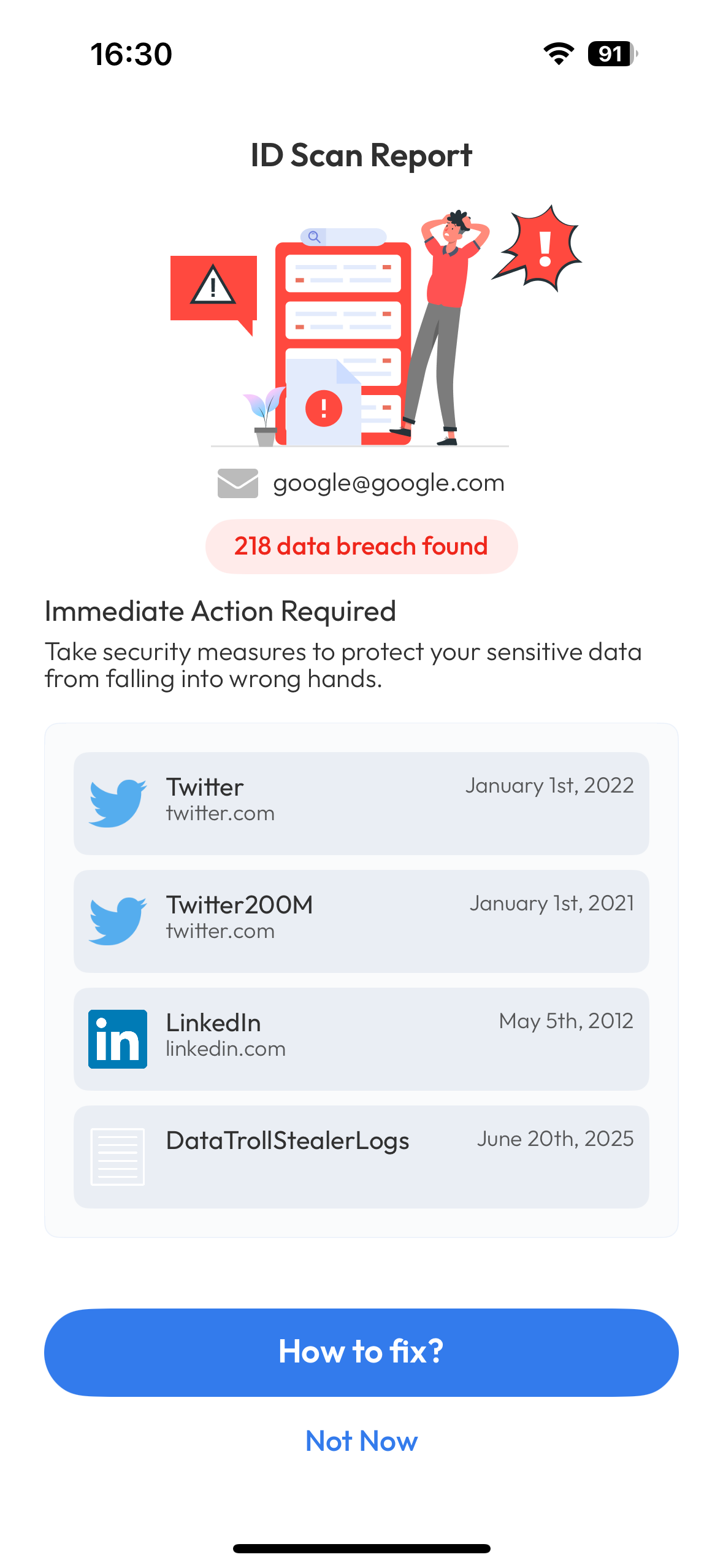
Select the breach from the list.
The app will show the breach name, data exposed, and recommended steps.
Was this article helpful?
That’s Great!
Thank you for your feedback
Sorry! We couldn't be helpful
Thank you for your feedback
Feedback sent
We appreciate your effort and will try to fix the article