To check if your VPN is actively protecting your connection:
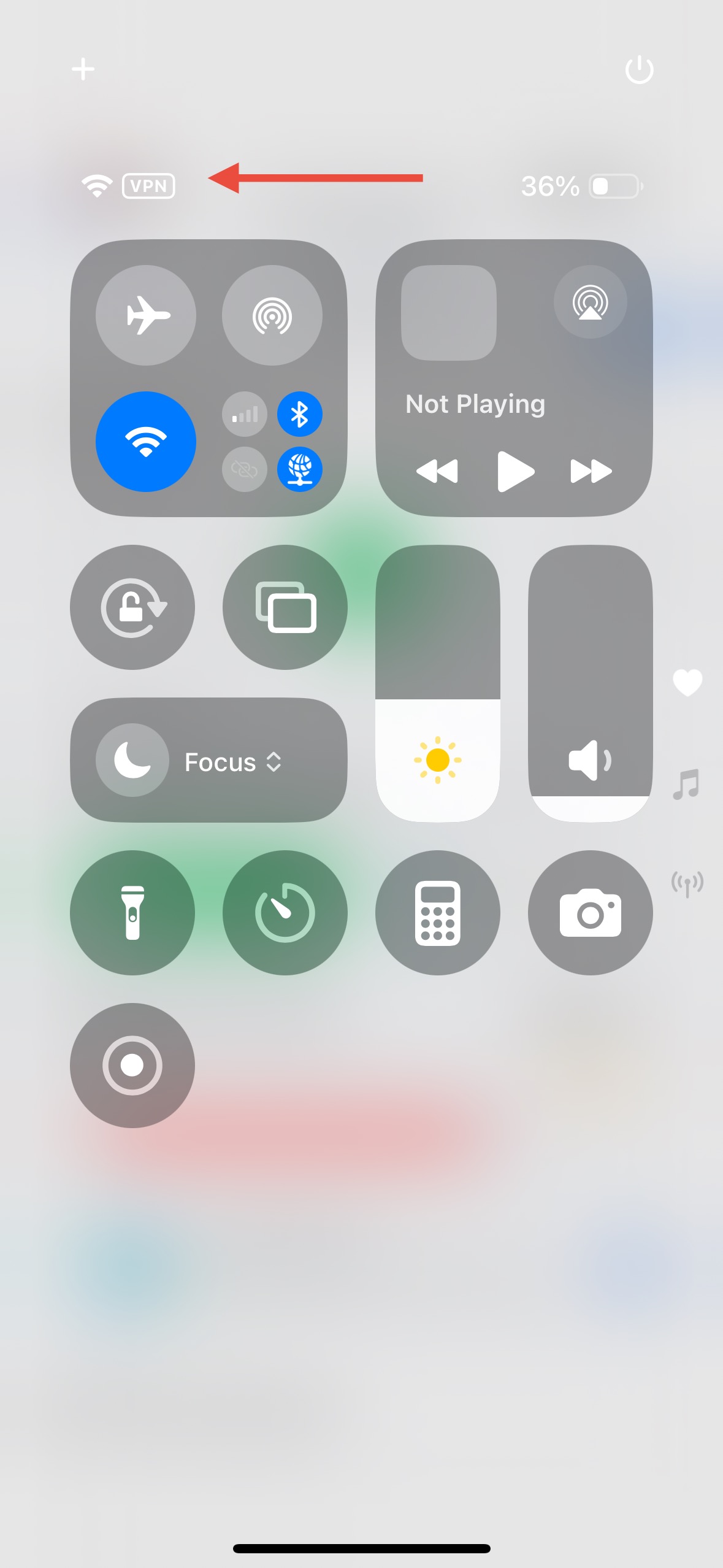
Look for the VPN icon in your iPhone's status bar (usually next to Wi-Fi or signal bars).
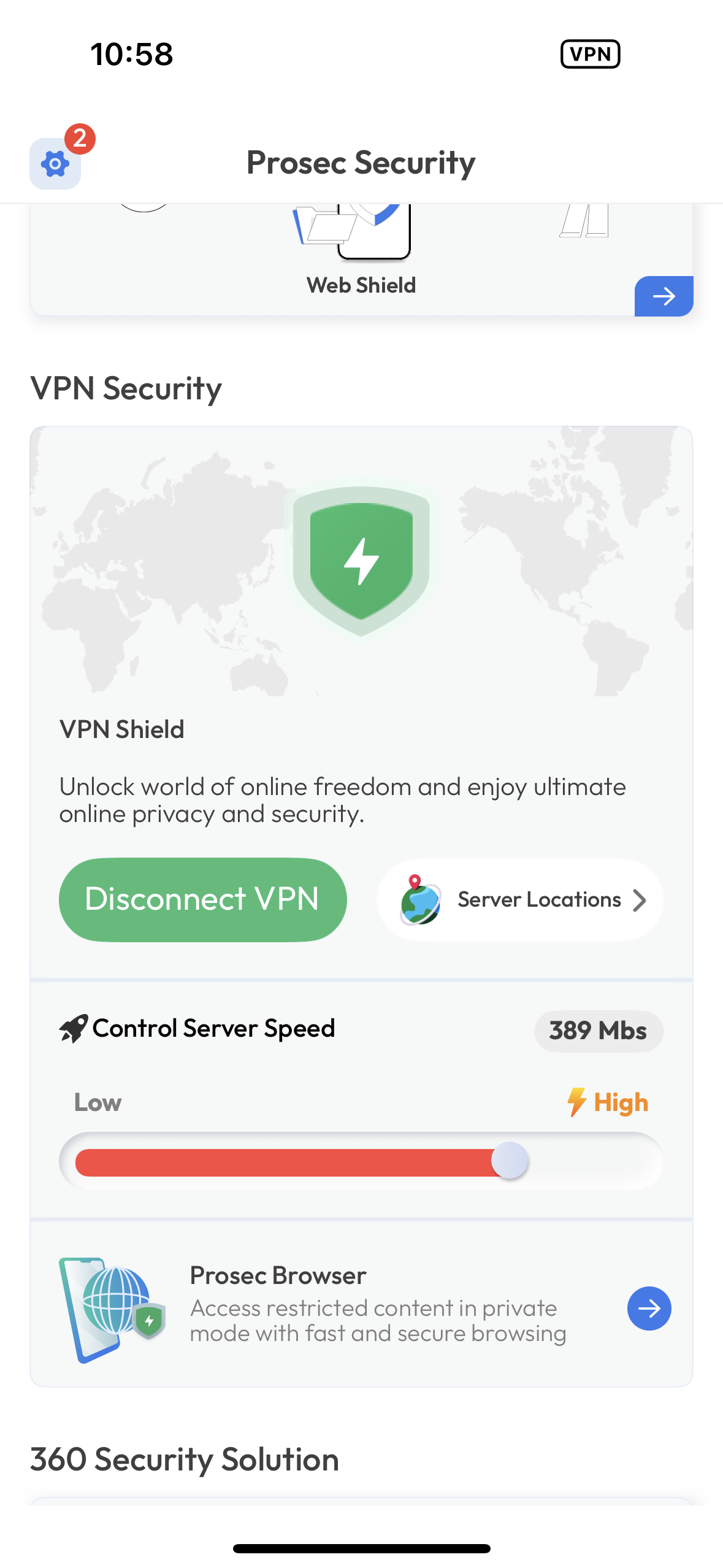
Open the PROSEC app and check the VPN status indicator—it should say “Connected.”
Run a quick IP check:
Visit whatismyipaddress.com before and after connecting VPN.
If the IP address and location change, your VPN is working.
Try accessing a region-blocked site (e.g., one restricted in your country). If it loads, the VPN is active.
Was this article helpful?
That’s Great!
Thank you for your feedback
Sorry! We couldn't be helpful
Thank you for your feedback
Feedback sent
We appreciate your effort and will try to fix the article