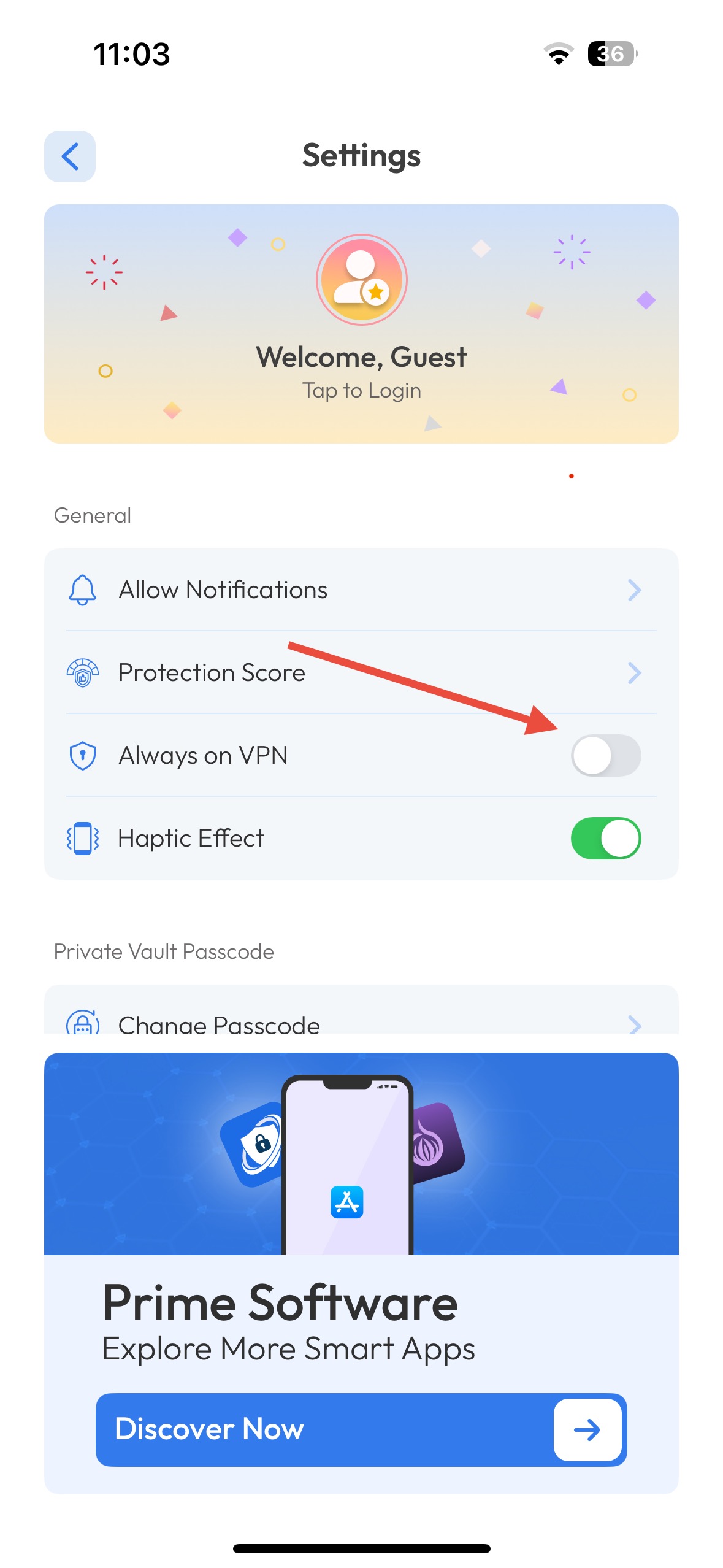
To make sure your VPN turns on automatically when using unsecured Wi-Fi:
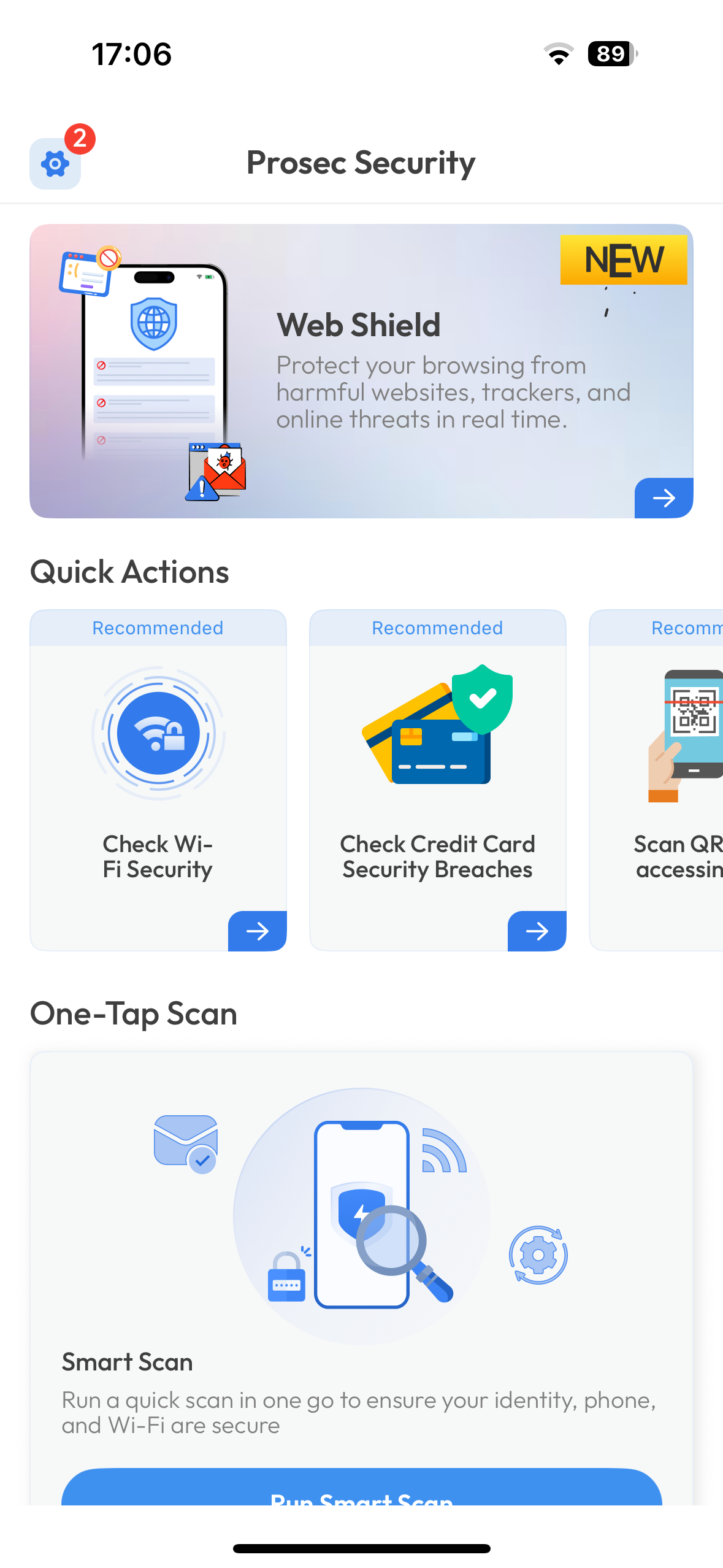
Open the PROSEC app.
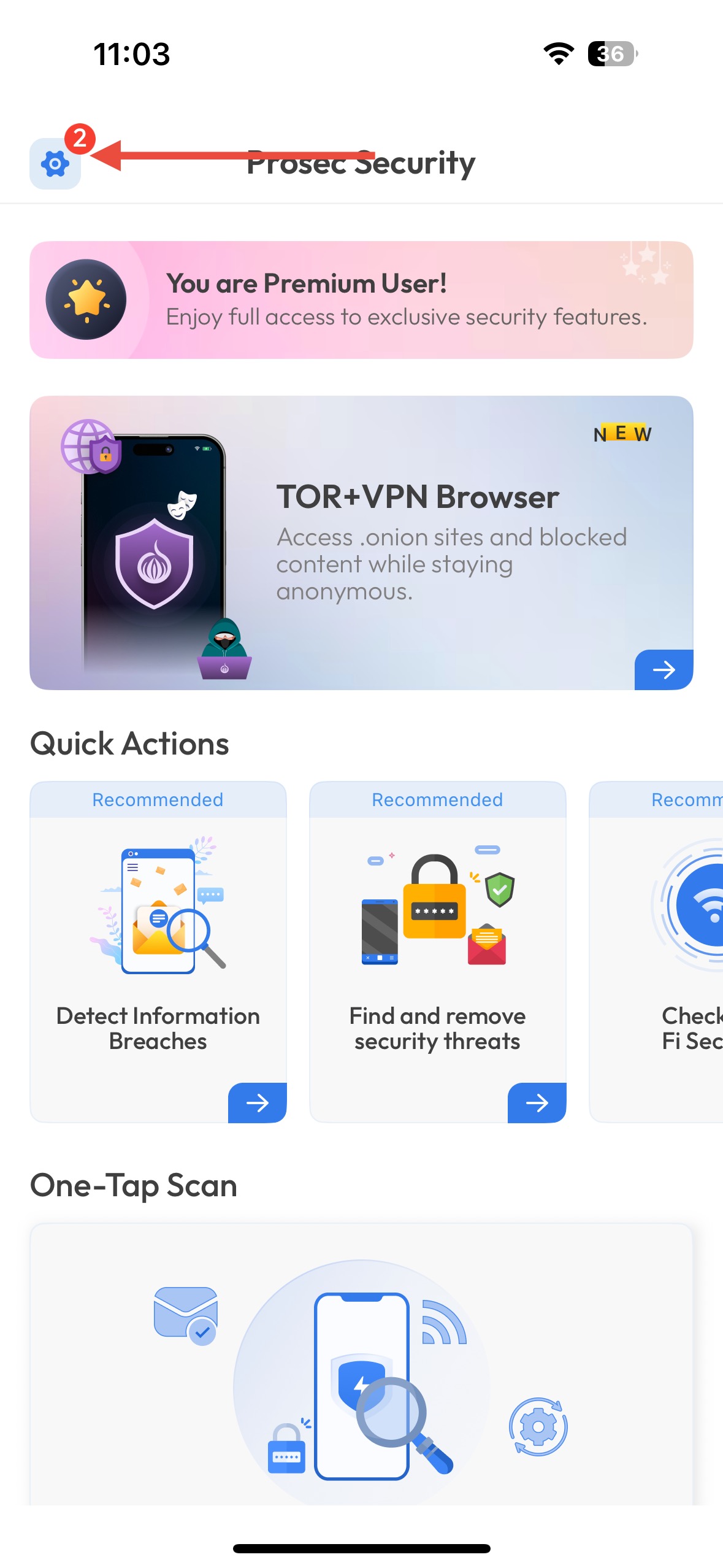
Go to Settings (gear icon).
Tap VPN Auto-Connect.
Was this article helpful?
That’s Great!
Thank you for your feedback
Sorry! We couldn't be helpful
Thank you for your feedback
Feedback sent
We appreciate your effort and will try to fix the article