You can disconnect or pause the VPN without uninstalling the app:
From the PROSEC app:
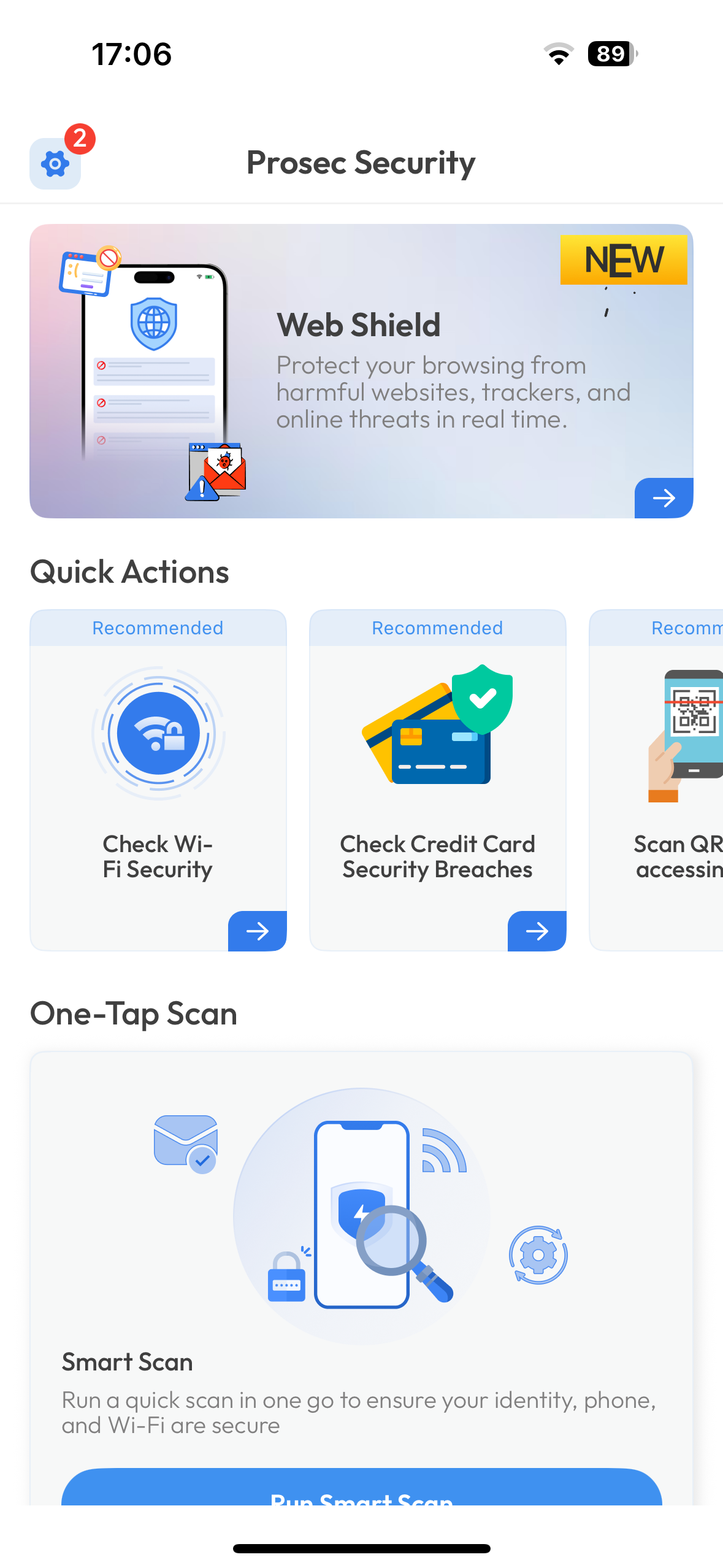
Open the app.
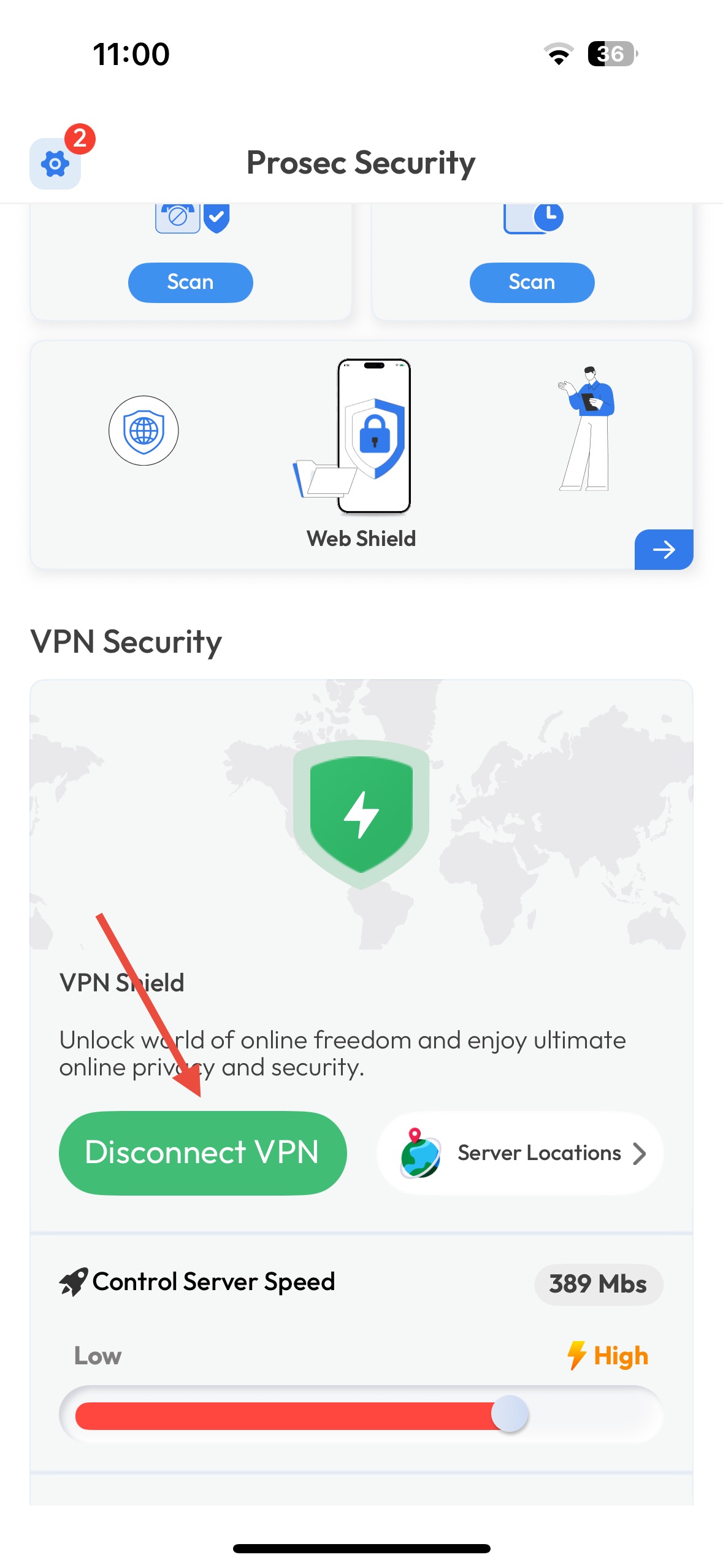
Tap the VPN toggle switch to turn it off.
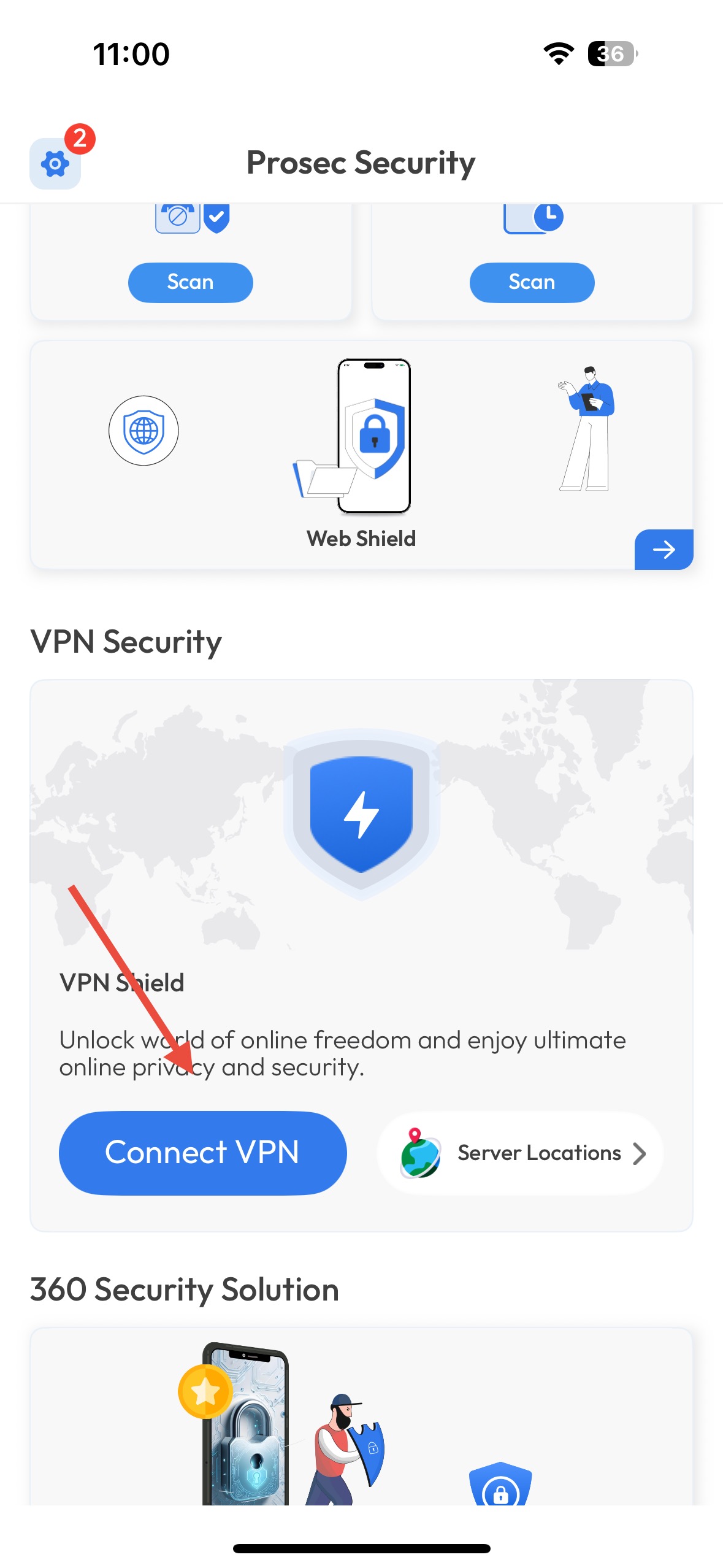
You can turn it back on anytime with one tap.
From iOS Settings:
Go to Settings > VPN.

Toggle the switch to Off.

Was this article helpful?
That’s Great!
Thank you for your feedback
Sorry! We couldn't be helpful
Thank you for your feedback
Feedback sent
We appreciate your effort and will try to fix the article