To enable SMS filtering:
Open the Home screen of the app.
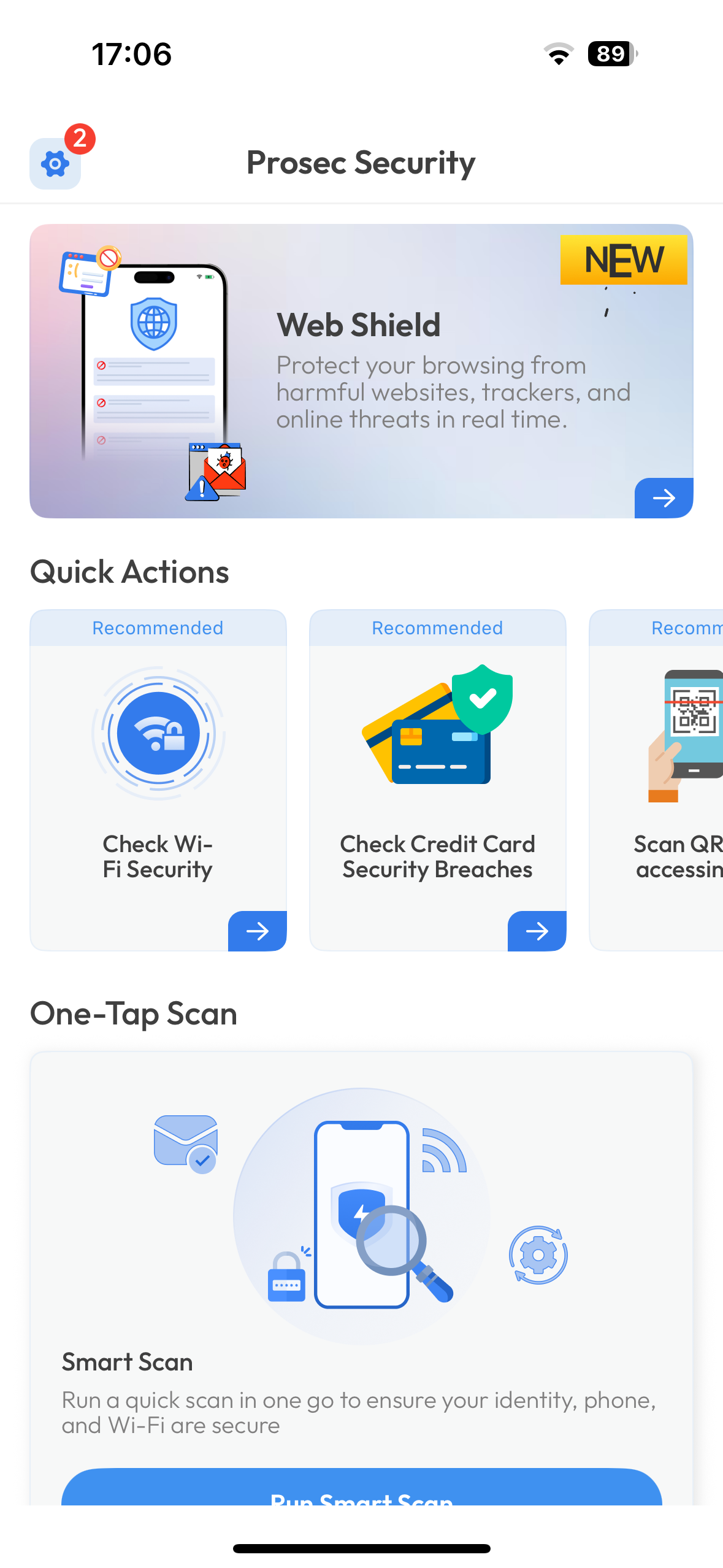
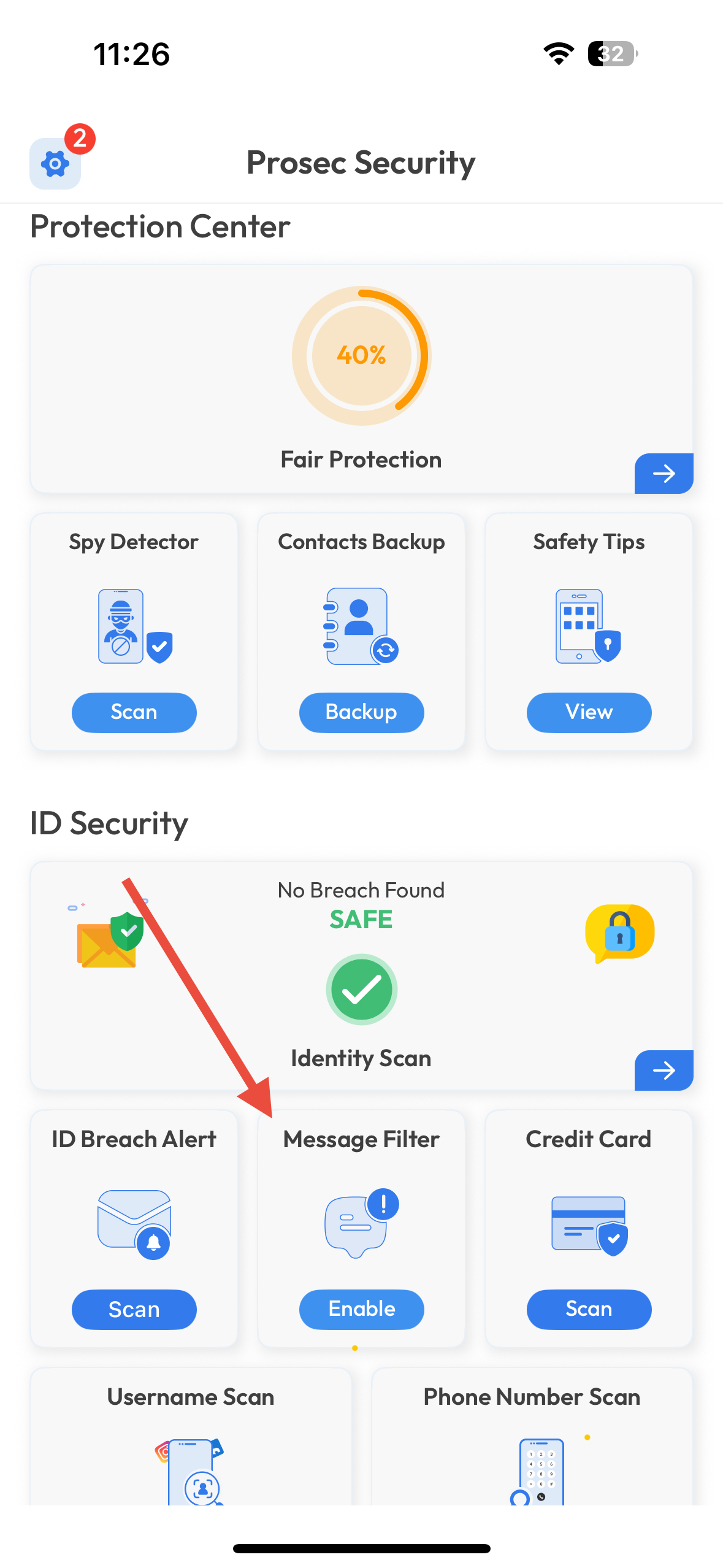
Tap on SMS Filtering.
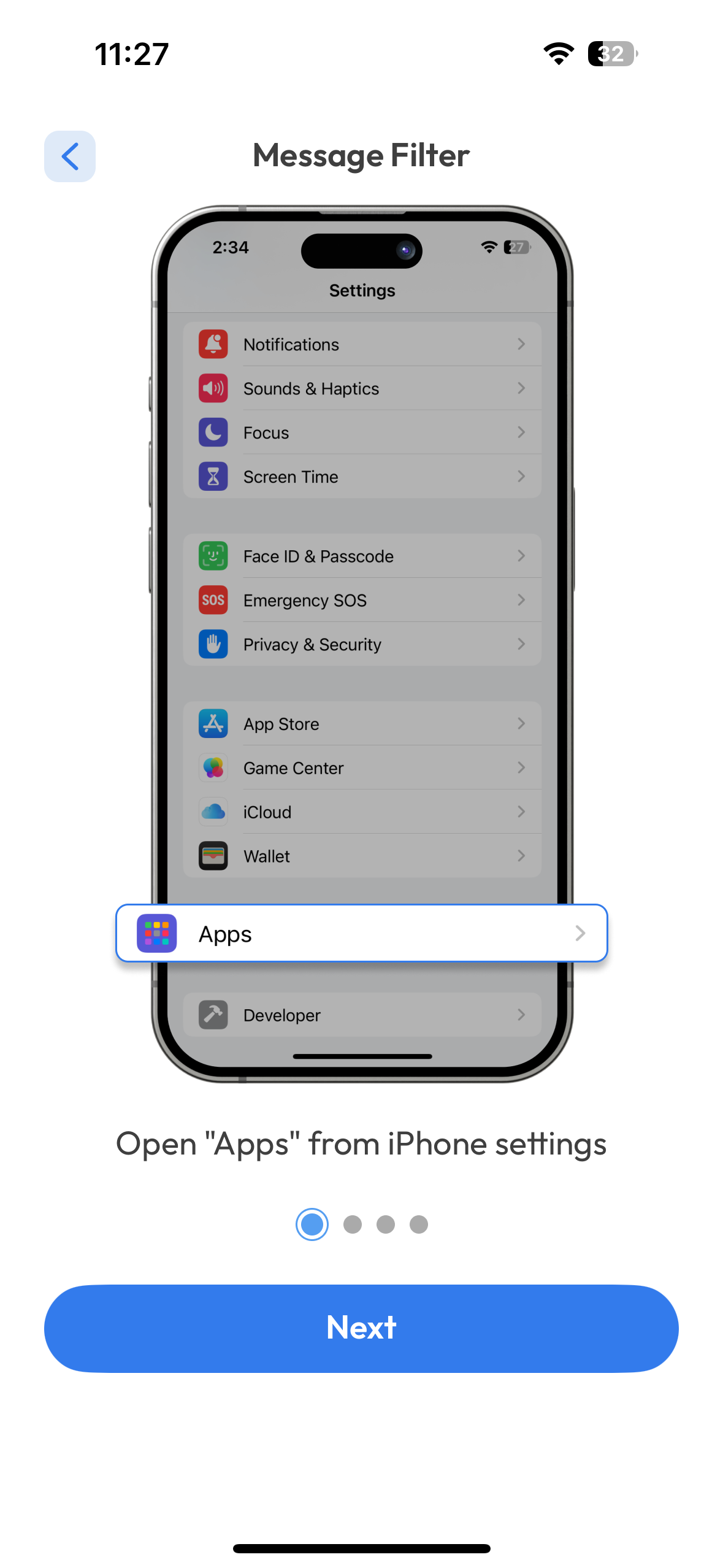
Follow the step-by-step instructions to add the required extension.
Once setup is complete, SMS filtering will be activated, and spam messages will be sorted automatically.
Was this article helpful?
That’s Great!
Thank you for your feedback
Sorry! We couldn't be helpful
Thank you for your feedback
Feedback sent
We appreciate your effort and will try to fix the article